Translation Has Never Been Easier
We take care of all your translations, so you don’t have to.
Relax and let us break the language barriers for you.

END-TO-END TRANSLATION SOLUTION
From upload to download — we handle everything
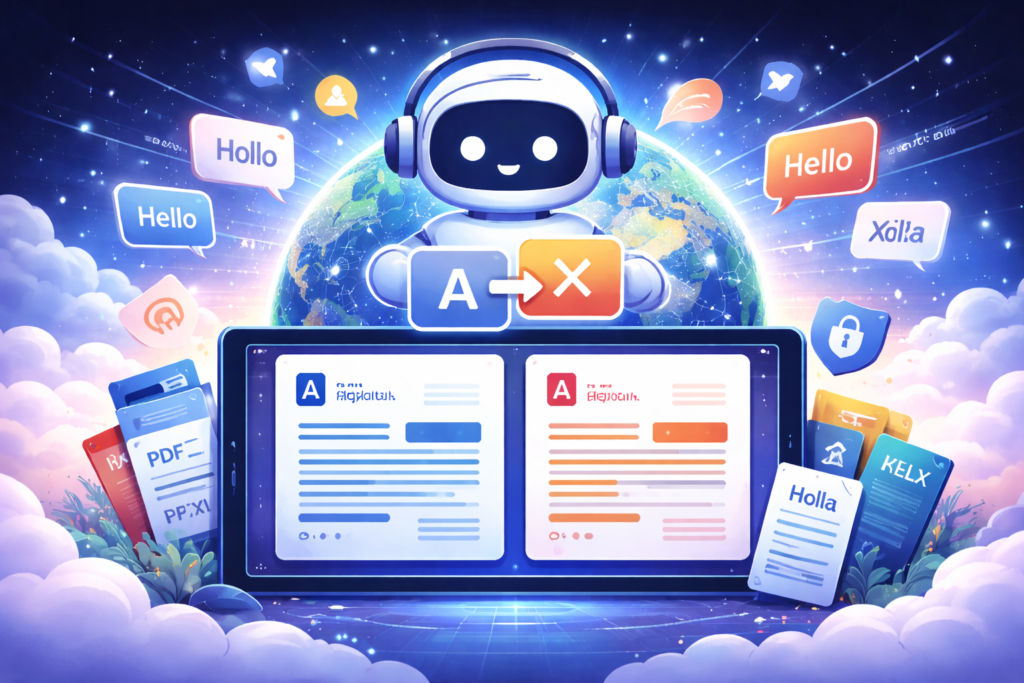
Our platform manages the entire translation workflow for you: file processing, language conversion, formatting, and delivery. No manual work. No hassle.
Document Translation
Translate PDFs, Word files, Excel sheets, and presentations with speed and precision — powered by advanced AI.
Website & Content Localization
Adapt your content for different markets, cultures, and audiences to sound natural in every language.
Multi-Language Support
Access over 32 languages including English, German, Korean, Spanish, Turkish, and more.
Formatting & Layout Preservation
We keep your original design, structure, and layout perfectly intact — no broken formatting.
Credit-Based Translation
Purchase credits once and use them whenever you need. No subscriptions. No hidden fees.
Secure File Processing
Your files are handled privately and securely. We never store, reuse, or share your data.
SMART TRANSLATION WORKFLOW
From File to Finished Translation — In Minutes
Our platform is built to remove friction from the translation process. No manual formatting, no copy-pasting, no back-and-forth. Simply upload your file, select your languages, and receive a clean, ready-to-use translation in seconds.
- AI-powered, context-aware translations
- Supports all major document formats
- Original layout and formatting preserved
- Instant delivery, no waiting
HOW IT WORKS
Translation Made Simple
1
Upload Your File
Upload your document in any supported format — we process it instantly.
2
Choose Your Languages
Pick your source and target languages from over 32 options.
3
Download Your Translation
Get your translated file in seconds with original formatting preserved.
Ready to Translate Your Files?
Upload your document, choose your languages, and get a clean, professionally formatted translation in seconds. No subscriptions. No complexity.